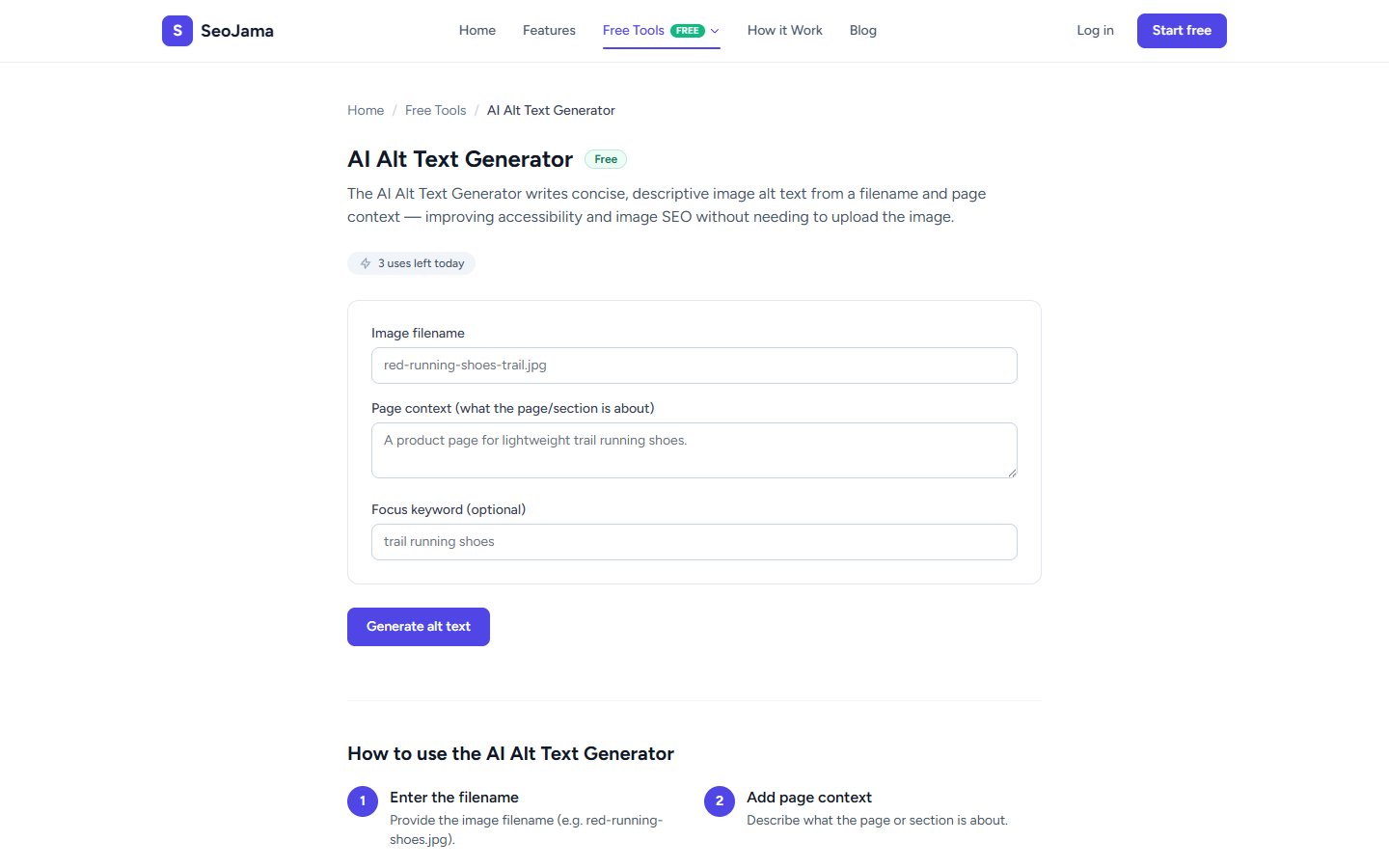
The AI Alt Text Generator writes concise, descriptive image alt text from a filename and page context — improving accessibility and image SEO without needing to upload the image. It produces multiple options so you can choose the best fit for each image on your page.
How to use it
- Open the AI Alt Text Generator from the Free Tools page.
- Enter the Image filename (e.g.,
seo-dashboard-analytics.png). - Provide Page context — describe what the page or section is about so the AI can write relevant alt text.
- Optionally add a Focus keyword to include in the generated alt text.
- Click Generate alt text.
- Review the 3 options and click Copy on the one that best describes your image.
Understanding the results
The tool generates 3 Alt text options, each describing the image from a slightly different angle. All options are concise (typically under 125 characters), descriptive, and include your focus keyword naturally. The alt text is designed to be both accessible for screen readers and optimized for image search — helping visually impaired users understand your images while also boosting your image SEO.
Tips for best results
- Use descriptive filenames before generating — the AI uses the filename as a key signal, so
seo-dashboard-analytics.pngproduces much better results thanIMG_4532.png. - Provide specific page context rather than generic descriptions — "A product page for wireless headphones" gives better results than "a product page."
- Keep your final alt text under 125 characters — screen readers may truncate longer text, and concise descriptions perform better for image SEO.
- Do not start alt text with "Image of" or "Picture of" — screen readers already announce that an image is present, so this is redundant.