The XML Sitemap Generator crawls your website (up to 40 pages in the free version) and produces a valid sitemap.xml you can submit to Google Search Console to help search engines discover and index your pages faster.
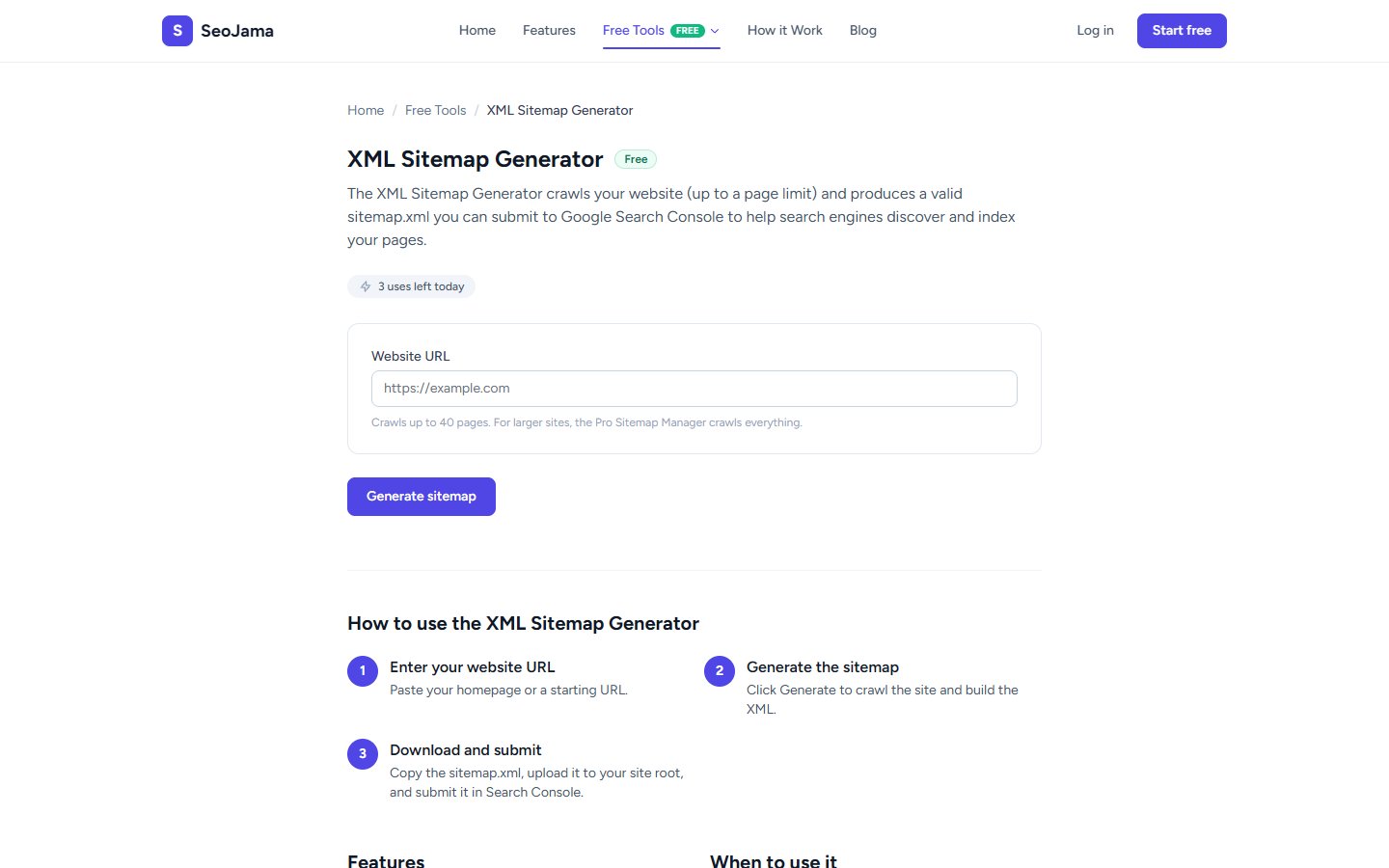
How to use it
- Open the XML Sitemap Generator from the Free Tools page.
- Enter your Website URL — typically your homepage.
- Click Generate sitemap — the tool will crawl your site and discover pages.
- Review the generated XML output showing all discovered URLs with their last-modified dates.
- Copy the sitemap.xml content and upload it to your site's root directory.
Understanding the results
The tool reports how many pages were found and generates a complete XML sitemap following the sitemaps.org protocol (version 0.9). Each <url> entry contains a <loc> tag with the page URL and a <lastmod> tag with the last-modified timestamp. The free version crawls up to 40 pages — for larger sites, the Pro Sitemap Manager handles unlimited pages.
Tips for best results
- After uploading your sitemap.xml to your site root, submit it in Google Search Console under Sitemaps to speed up indexing of new and updated pages.
- Reference your sitemap URL in your robots.txt file (e.g.,
Sitemap: https://yoursite.com/sitemap.xml) so crawlers can find it automatically. - Regenerate your sitemap whenever you add or remove pages to keep it current — stale sitemaps with broken URLs can hurt crawl efficiency.
- Review the discovered URLs to make sure no private or duplicate pages are being included — remove any you do not want indexed.