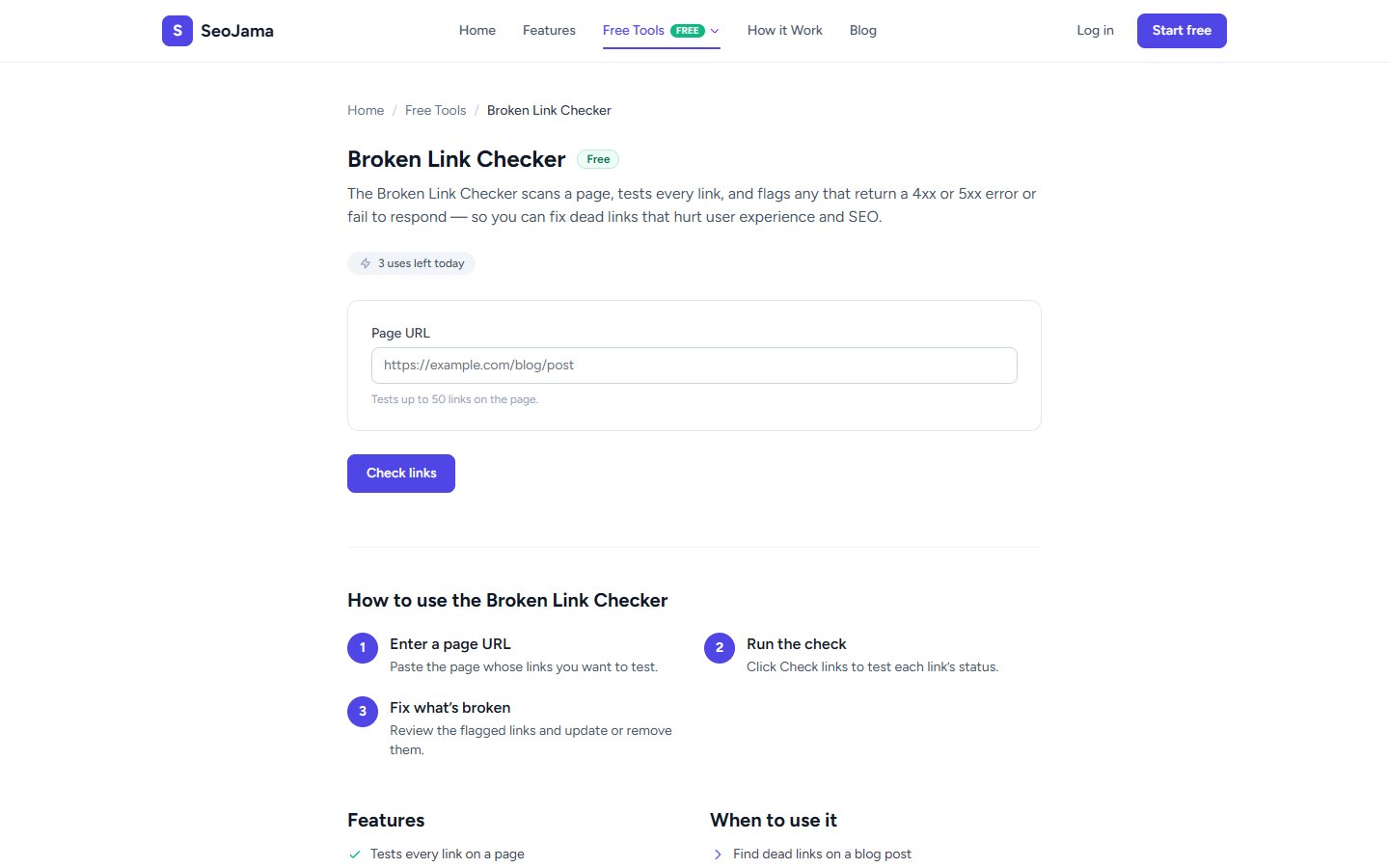
The Broken Link Checker scans a page, tests every link (up to 50), and flags any that return a 4xx or 5xx error or fail to respond. Fixing dead links improves user experience and prevents search engines from wasting crawl budget on broken pages.
How to use it
- Open the Broken Link Checker from the Free Tools page.
- Enter the Page URL whose links you want to test.
- Click Check links to scan and test each link on the page.
- Review the results — each link is listed with its HTTP status code. Broken links are highlighted for easy identification.
Understanding the results
A green banner shows No broken links found if all links are healthy, along with the total count of links checked. Each link is listed with its HTTP status code — 200 means OK, while 4xx (like 404 Not Found) and 5xx (like 500 Server Error) indicate problems. The tool checks both internal and external links on the page, giving you a complete picture of link health.
Tips for best results
- Run this check on your most important pages regularly — especially pages with lots of outbound links to external resources that may have moved or been removed.
- After a site migration or URL restructure, run the checker on your homepage and key landing pages to catch any links that were not updated.
- Fix broken internal links by updating the href to the correct URL. For broken external links, either update the link or remove it.
- Check your blog posts periodically — older posts are most likely to accumulate broken links as the external sites they link to change over time.