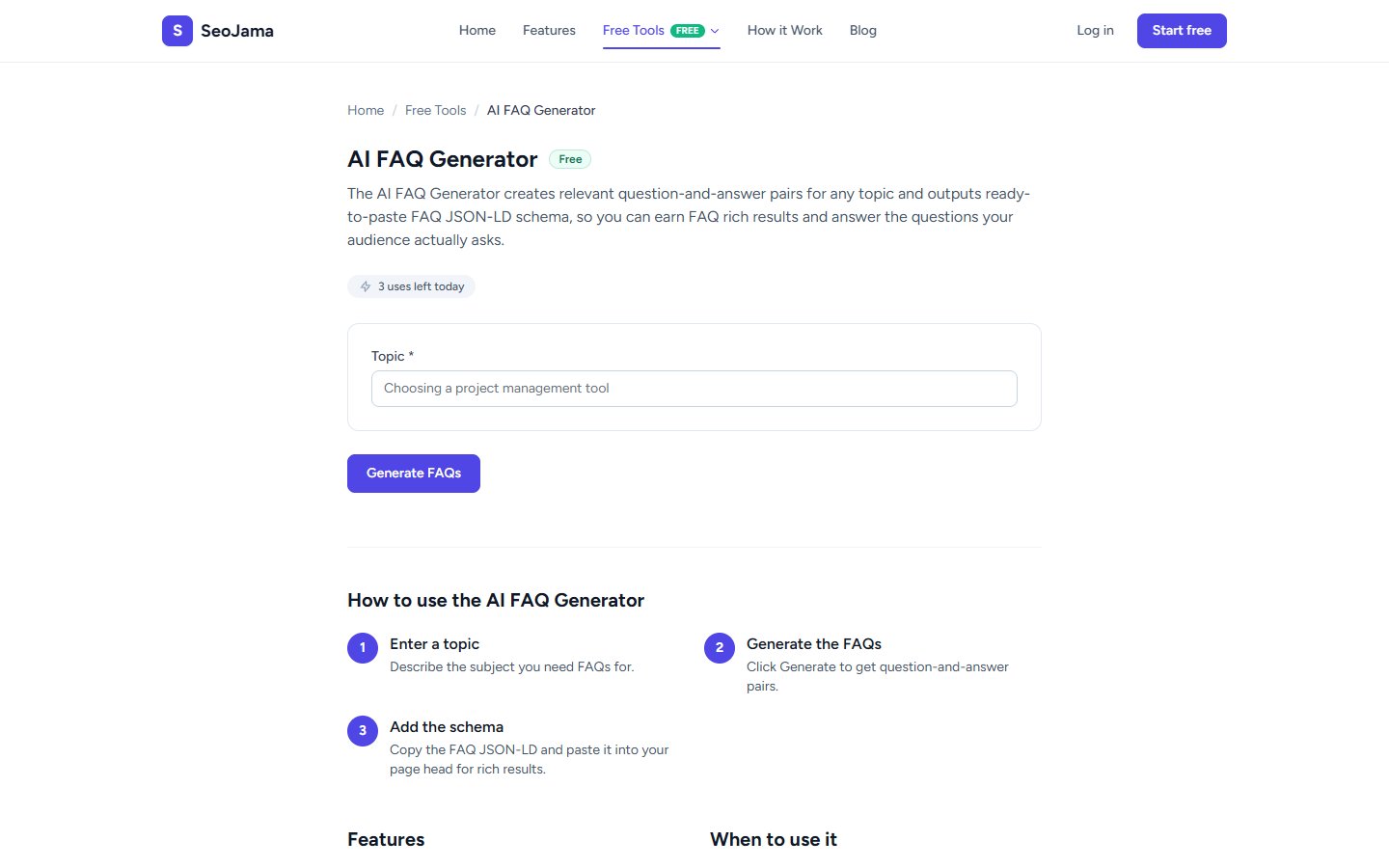
The AI FAQ Generator creates relevant question-and-answer pairs for any topic and outputs ready-to-paste FAQ JSON-LD schema, so you can earn FAQ rich results in Google and answer the questions your audience actually asks. It pairs perfectly with the Schema Markup Generator for complete FAQ structured data.
How to use it
- Open the AI FAQ Generator from the Free Tools page.
- Enter your Topic — describe the subject you need FAQs for (e.g., "free SEO tools for beginners").
- Click Generate FAQs.
- Review the generated question-and-answer pairs. Each includes a bold question and a detailed, informative answer.
- Copy the FAQ content to use on your page, and use the Schema Generator to add FAQ JSON-LD markup.
Understanding the results
The tool generates multiple Frequently asked questions with full answers. Each Q&A pair targets a common question someone might ask about your topic, written in a natural, conversational style. The answers are concise but substantive — typically 2–3 sentences providing real value. These are designed to be used both as visible page content and as the basis for FAQ schema markup that can trigger rich results in Google.
Tips for best results
- Use the generated FAQs as a starting point and customize the answers with your own specific data, examples, or product details.
- After adding FAQs to your page, use the Schema Markup Generator (FAQ type) to create the JSON-LD structured data — this is what triggers the expandable FAQ rich results in Google.
- Target FAQs that match "People Also Ask" queries for your topic — these are high-value questions that Google already knows users are searching for.
- Place FAQ sections near the bottom of your key landing pages to capture additional long-tail search traffic without disrupting the main content flow.