The AI Title & Headline Generator produces five click-worthy, SEO-optimized title options for any topic. Each title takes a different angle — how-to, listicle, question, and more — and stays within the length Google displays, so you always have a strong headline to choose from.
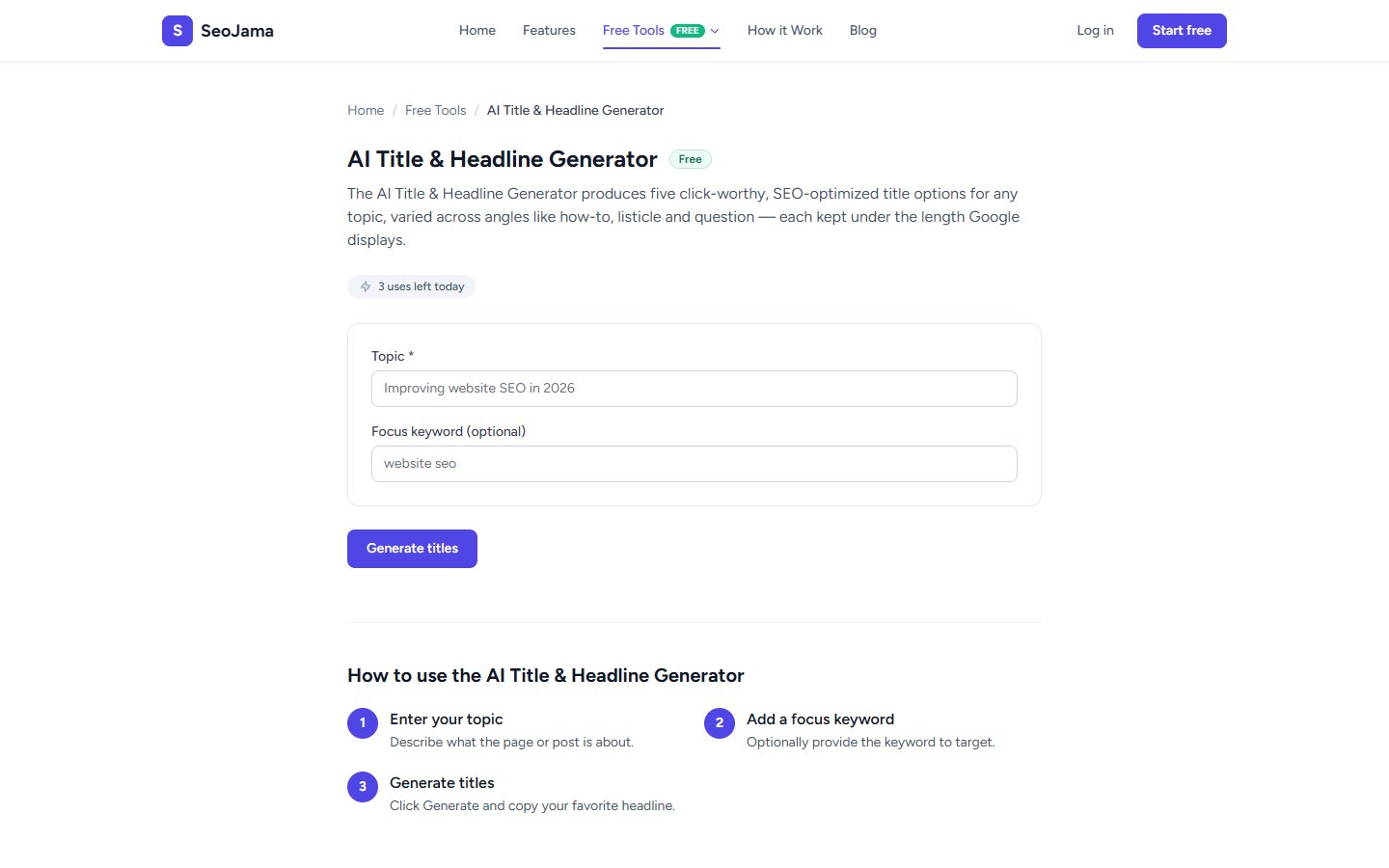
How to use it
- Open the AI Title & Headline Generator from the Free Tools page.
- Enter your Topic — describe what your page or post is about.
- Optionally add a Focus keyword to target in the generated titles.
- Click Generate titles.
- Review the 5 options and click Copy on the one you want to use.
Understanding the results
The tool generates 5 unique Title ideas, each using a different content angle. You will typically see a mix of numbered listicles ("5 Email Marketing Strategies..."), how-to headlines ("How to Master..."), comprehensive guides ("Your Complete Guide"), benefit-driven titles ("Why X Drives 40x ROI"), and best-of roundups ("Best X Tactics for 2024"). All are optimized for search engines and written to attract clicks.
Tips for best results
- Try different topic phrasings to get a wider variety of titles — the more specific your topic, the more targeted the output.
- Combine elements from multiple generated titles to create your ideal headline — take the structure from one and the wording from another.
- Test your chosen title with the Meta Tag Generator tool to make sure it fits within Google's pixel-width display limit.
- For blog posts, use the question-format titles for FAQ-targeted content and listicle formats for overview or roundup posts.