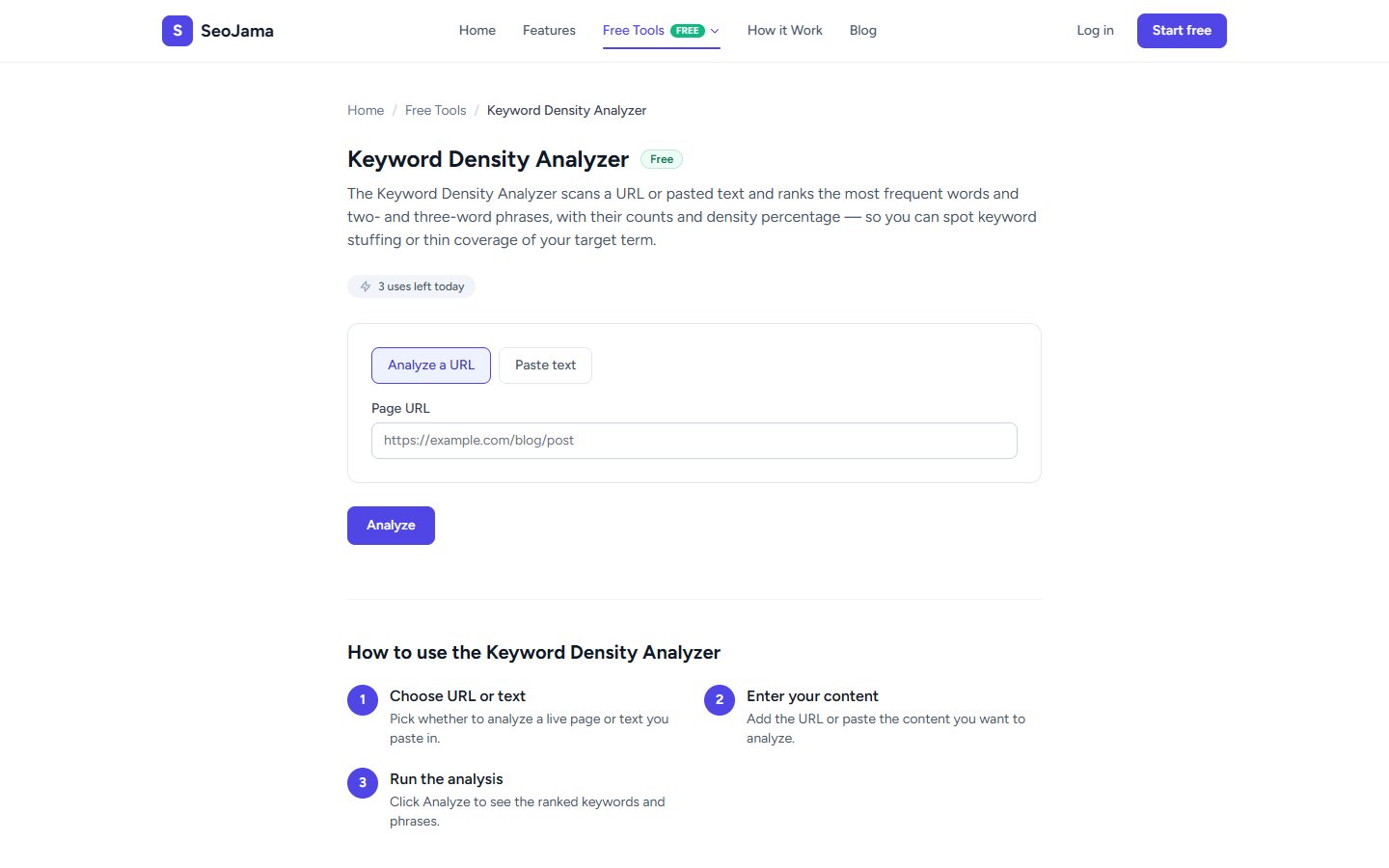
The Keyword Density Analyzer scans a URL or pasted text and ranks the most frequent words and two- and three-word phrases, with their counts and density percentage. It helps you spot keyword stuffing or thin coverage of your target term so you can fine-tune your on-page SEO.
How to use it
- Open the Keyword Density Analyzer from the Free Tools page.
- Choose Analyze a URL to scan a live page, or Paste text to analyze content directly.
- Enter the URL or paste your text into the input field.
- Click Analyze to run the scan.
- Review the results showing total word count, top keywords with frequency and density percentage, and top multi-word phrases.
Understanding the results
The tool displays two columns: Top keywords (single words) showing each word's count and density percentage, and Top phrases (two- and three-word combinations) showing their frequency. The word count at the top tells you total words analyzed. A healthy keyword density for your primary target is typically between 1–3%. Anything above 3–4% could signal keyword stuffing to search engines, while very low density may mean your content is not optimized enough for that term.
Tips for best results
- Aim for a primary keyword density between 1% and 3% — this signals relevance without triggering over-optimization penalties.
- Use the phrase analysis to discover natural multi-word combinations on your page that could serve as long-tail keyword targets.
- Compare your page against top-ranking competitors for the same keyword to see if your density is in the right ballpark.
- Run the analysis on both your own content and a competitor's page to identify keyword gaps and opportunities you may be missing.