The URL Slug Generator turns any title or phrase into a clean, lowercase, SEO-friendly URL slug — removing special characters and replacing spaces with hyphens. It is perfect for creating consistent, readable permalinks for blog posts, product pages, and any web content.
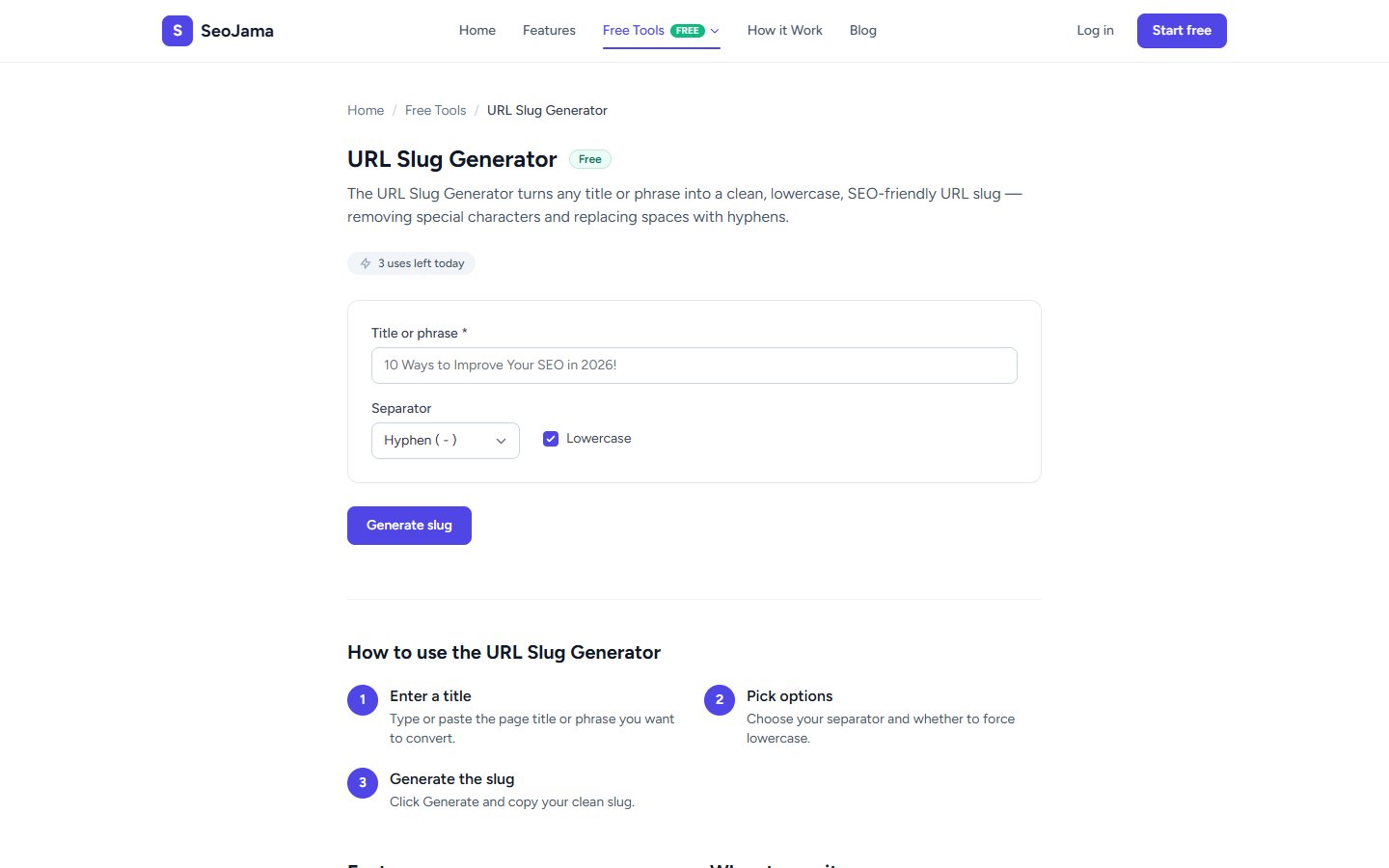
How to use it
- Open the URL Slug Generator from the Free Tools page.
- Enter your Title or phrase — for example, "How to Improve Your Website's SEO in 2026!".
- Choose a Separator — Hyphen (-) is the default and most SEO-friendly option.
- Toggle the Lowercase checkbox (enabled by default) to force all characters to lowercase.
- Click Generate slug to produce your clean URL slug.
- Copy the result and use it as your page's permalink.
Understanding the results
The output is a clean URL slug with all special characters removed, spaces replaced by your chosen separator, and optionally converted to lowercase. For example, the title "How to Improve Your Website's SEO in 2026!" becomes how-to-improve-your-websites-seo-in-2026. Apostrophes, exclamation marks, and other punctuation are stripped out to create a URL that is both human-readable and search-engine friendly.
Tips for best results
- Always use hyphens as separators — Google treats hyphens as word separators but does not treat underscores the same way, so hyphens are better for SEO.
- Keep your slugs concise by removing unnecessary stop words (like "to", "the", "in") from your title before generating, especially for long headlines.
- Include your target keyword in the slug — short, keyword-rich URLs tend to perform better in search results.
- Avoid changing slugs after a page is published and indexed — if you must change one, set up a 301 redirect from the old URL to the new one.