The AI Meta Description Generator writes compelling, ~155-character meta descriptions from a topic or page summary. It produces multiple options optimized for click-through and your focus keyword, saving you time while ensuring your search snippets attract clicks.
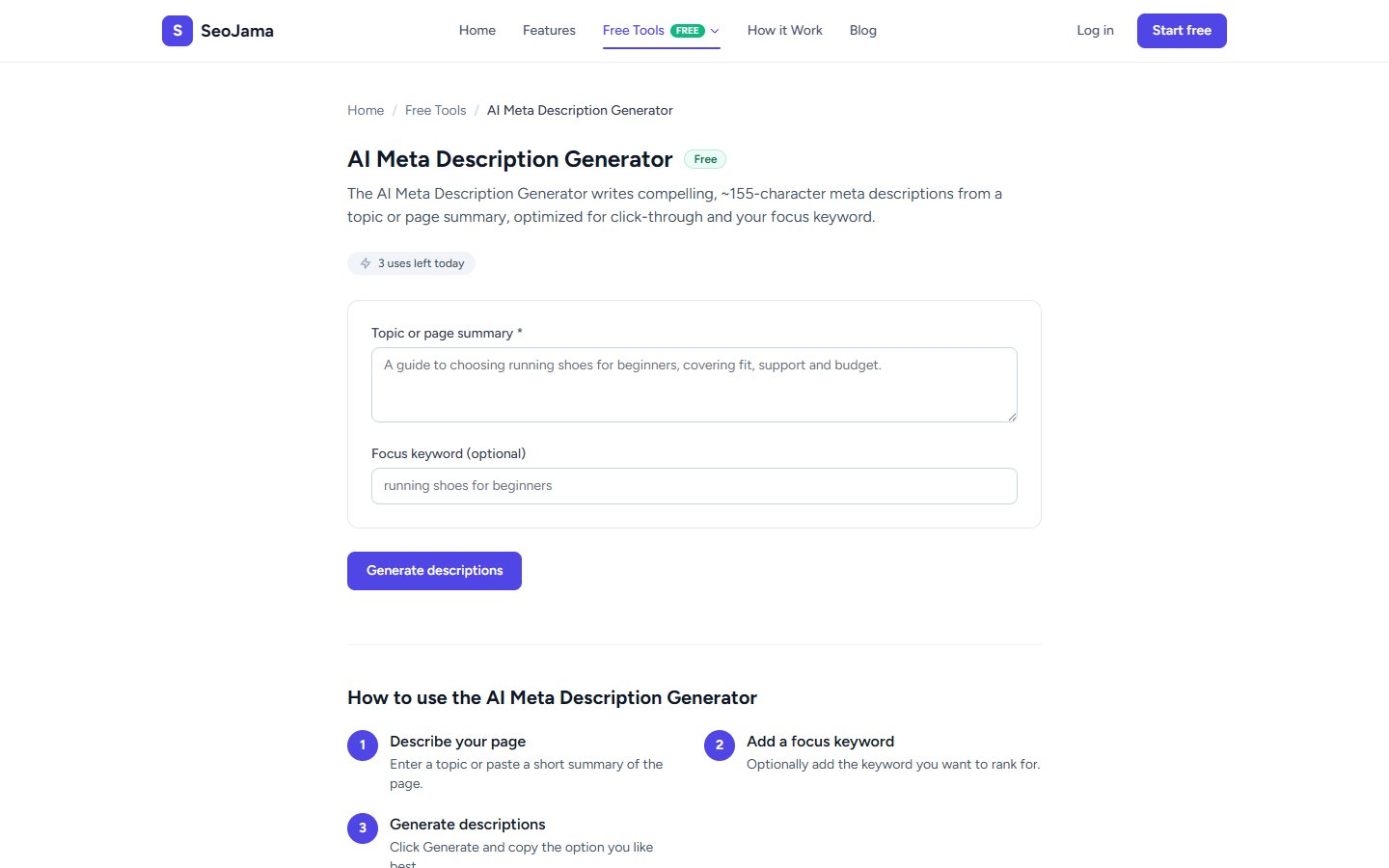
How to use it
- Open the AI Meta Description Generator from the Free Tools page.
- Enter your Topic or page summary — describe what the page is about in a sentence or two.
- Optionally add a Focus keyword to ensure the AI includes your target term.
- Click Generate descriptions.
- Review the 3 options and click Copy on the one you like best.
Understanding the results
The tool generates 3 unique meta descriptions, each between 140–160 characters. Each option takes a slightly different angle — one might lead with a benefit, another with a question, and a third with an action verb. All include your focus keyword naturally and are written to encourage clicks from search results. The character count stays within Google's display limits to avoid truncation.
Tips for best results
- Provide a detailed topic summary rather than just a keyword — the more context the AI has, the more relevant and specific the descriptions will be.
- Always include your focus keyword — this ensures it appears in the generated text and gets bolded in search results when users search for that term.
- Use the descriptions as a starting point and tweak them to match your brand voice before publishing.
- Generate fresh descriptions for your top landing pages — even small improvements to meta descriptions can meaningfully increase click-through rates.