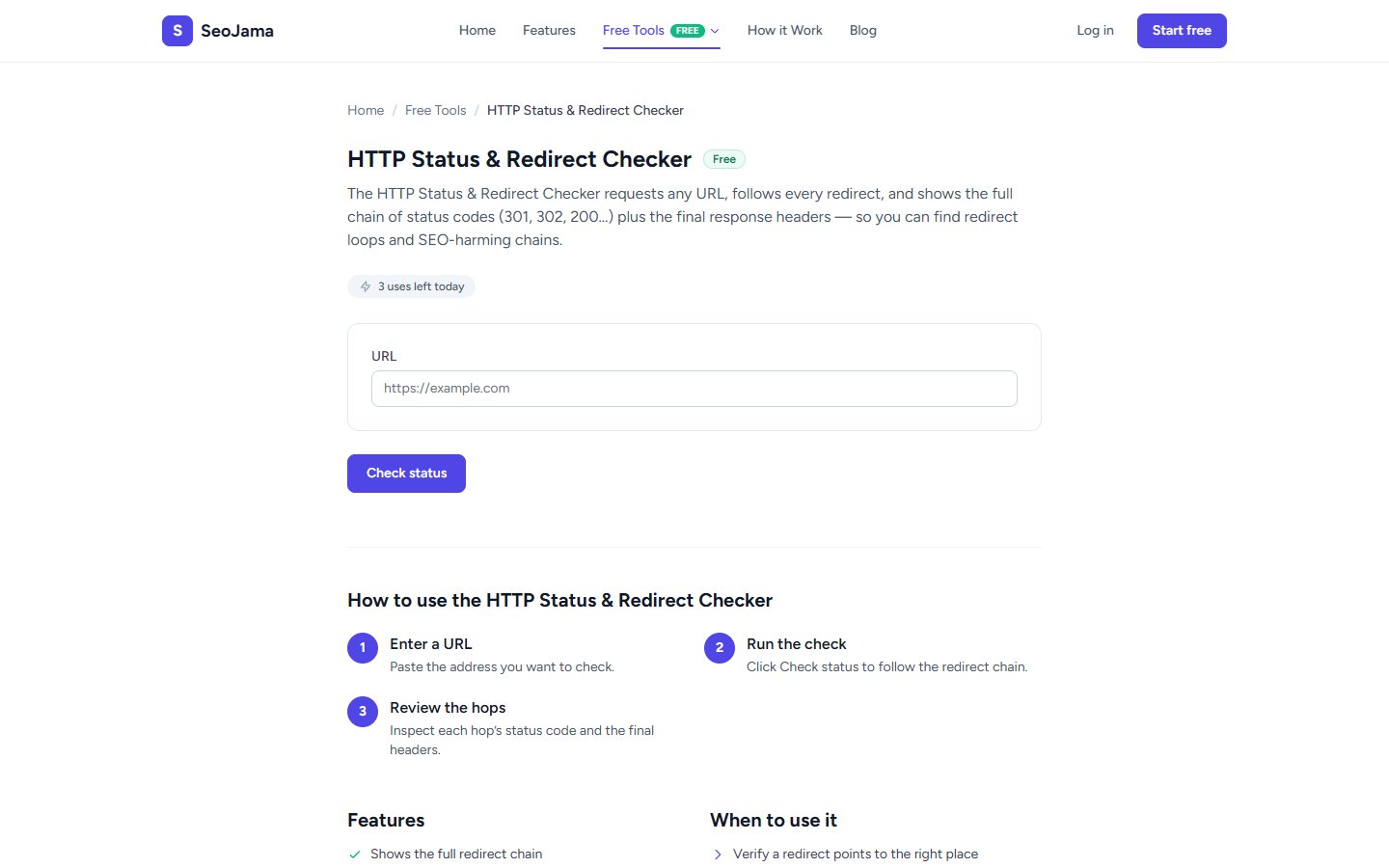
The HTTP Status & Redirect Checker requests any URL, follows every redirect, and shows the full chain of status codes (301, 302, 200...) plus the final response headers. It helps you find redirect loops and SEO-harming chains that could be diluting your link equity or causing crawl issues.
How to use it
- Open the HTTP Status & Redirect Checker from the Free Tools page.
- Enter the URL you want to check.
- Click Check status to follow the redirect chain.
- Review the redirect chain showing each hop with its status code, and the final response headers.
Understanding the results
The Redirect chain section shows each step (hop) the request takes, with the HTTP status code for each. A 200 means the final destination was reached successfully, 301 indicates a permanent redirect, 302 is a temporary redirect, and 404 means the page was not found. The Final response headers display key server information like Content-Type, Server, and Cache-Control settings. A clean result shows a single 200 with no intermediate redirects.
Tips for best results
- Always use 301 (permanent) redirects instead of 302 (temporary) when you have moved a page permanently — 301s pass full link equity to the new URL.
- Watch out for redirect chains longer than 2–3 hops — long chains slow down page loading and can cause Googlebot to give up before reaching the final destination.
- Check both the HTTP and HTTPS versions of your URLs to make sure they redirect properly to a single canonical version.
- After a site migration, spot-check your most important pages to verify all old URLs redirect correctly to their new locations.