The Meta Tag Generator builds your title tag, meta description, and Open Graph tags while showing a live Google SERP preview. You can see exactly how your snippet will look in search results — and get warned if your text is too long and risks being truncated.
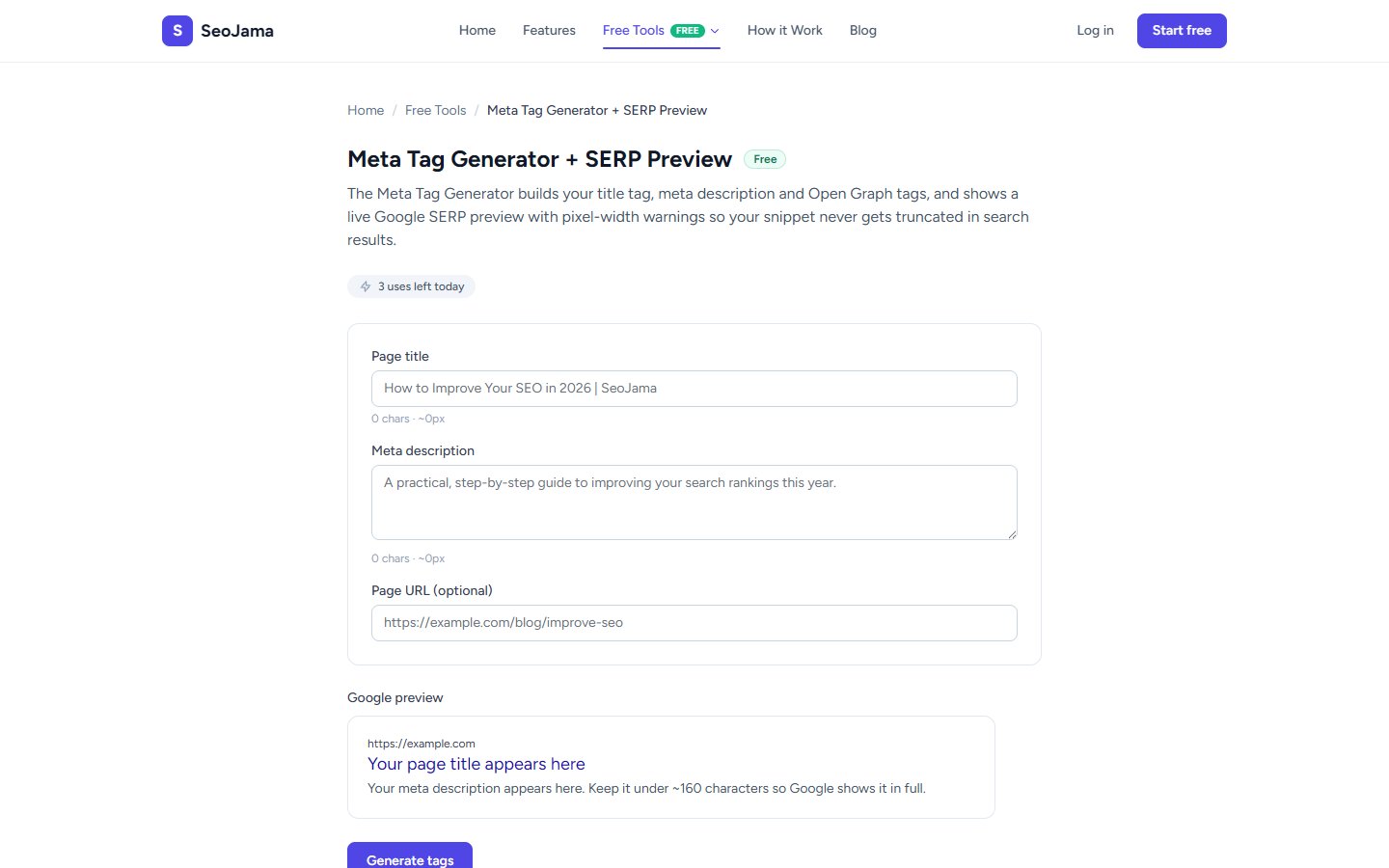
How to use it
- Open the Meta Tag Generator from the Free Tools page.
- Enter your Page title — the tool shows a live character count and pixel-width estimate as you type.
- Write your Meta description — aim for under ~160 characters to avoid truncation.
- Optionally add your Page URL for canonical and OG URL tags.
- Watch the live Google preview update in real time as you type.
- Click Generate tags to produce the full HTML code block.
- Copy the generated tags and paste them inside the
<head>of your page.
Understanding the results
The tool generates a complete set of HTML meta tags including the <title> tag, standard meta description, Open Graph tags (og:title, og:description, og:url, og:type), Twitter Card tags (twitter:title, twitter:description, twitter:card), and a canonical link. The live SERP preview shows your URL, title (in blue), and description exactly as Google would render them. Orange warnings appear if your description exceeds the safe pixel width and may be truncated.
Tips for best results
- Keep your title under ~60 characters and your description under ~155 characters to stay within Google's display limits.
- Include your primary keyword near the beginning of both the title and description for maximum SEO impact.
- Use the pixel-width indicator rather than just character count — some characters (like W or M) take up more pixel space than others.
- Always include a compelling call to action or value proposition in your meta description to boost click-through rates.