The SSL / HTTPS Checker connects to any domain, reads its TLS certificate, and reports the issuer, validity dates, days until expiry, and the domains it covers — so you are never caught out by an expired certificate. HTTPS is a confirmed Google ranking signal, making this check essential for SEO.
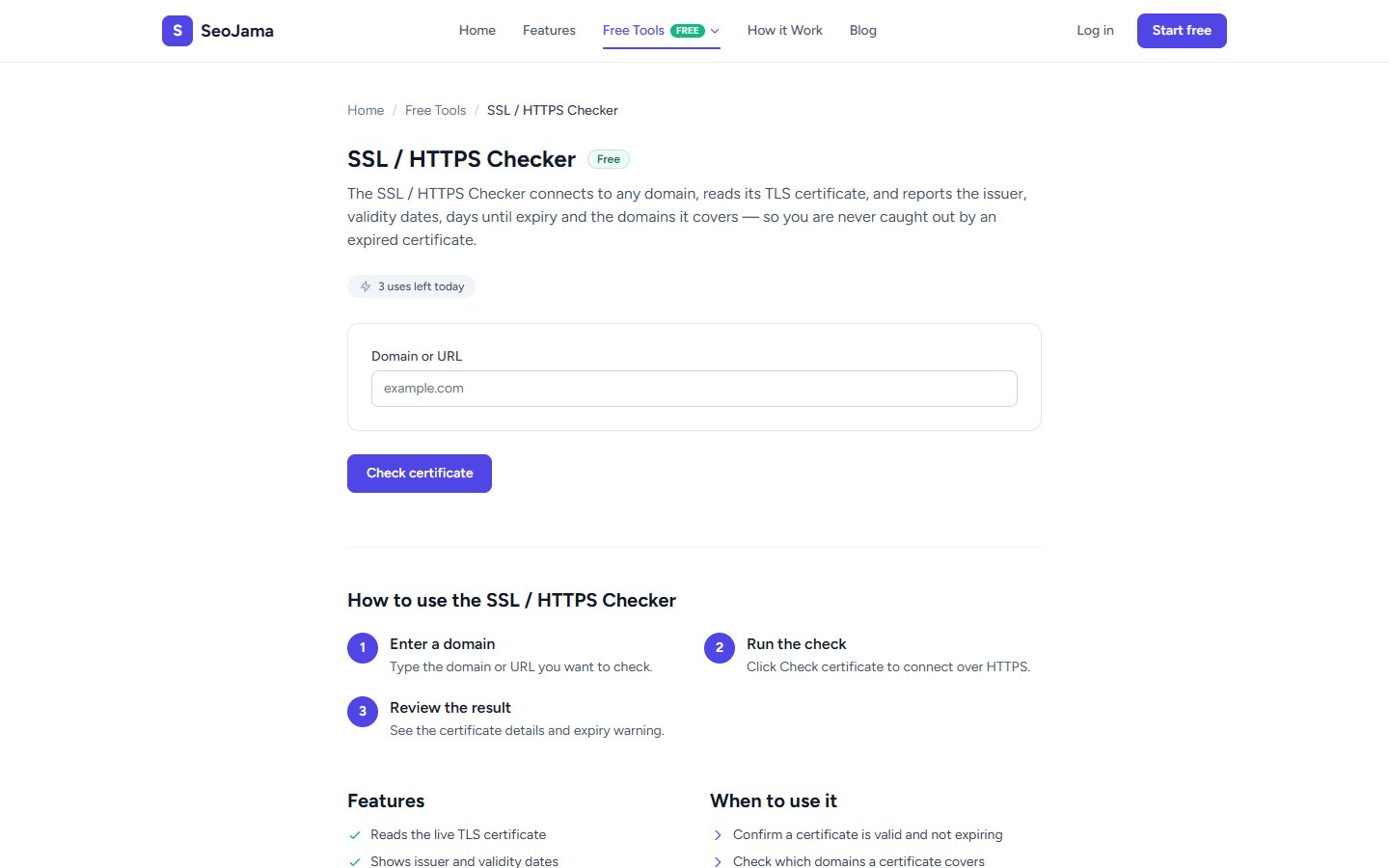
How to use it
- Open the SSL / HTTPS Checker from the Free Tools page.
- Enter the Domain or URL you want to check (e.g.,
seojama.com). - Click Check certificate to connect over HTTPS and read the certificate.
- Review the certificate details including validity status, issuer, dates, and covered domains.
Understanding the results
A green banner shows the certificate is Valid along with the number of days remaining until expiry. The details table lists the Common name (the primary domain), Issuer (the certificate authority, e.g., Let's Encrypt), Valid from and Valid until dates, and Covers (SANs) showing all Subject Alternative Names the certificate is valid for. If the certificate is expired or has issues, you will see a warning instead of the green banner.
Tips for best results
- Set a calendar reminder to renew your SSL certificate at least 2 weeks before it expires — an expired certificate will show security warnings to visitors and tank your rankings.
- Verify that both your root domain and www subdomain are listed in the SANs to avoid mixed-content or redirect issues.
- If you use a CDN like Cloudflare, check the certificate on both the CDN edge and your origin server to make sure both are valid.
- After installing or renewing a certificate, run this tool to confirm everything is properly configured before assuming all is well.