The PageSpeed & Core Web Vitals checker runs Google PageSpeed Insights on any URL and presents the performance score plus lab Core Web Vitals — Largest Contentful Paint, Total Blocking Time, and Cumulative Layout Shift — in a clean, easy-to-read report. Page speed is a confirmed Google ranking factor.
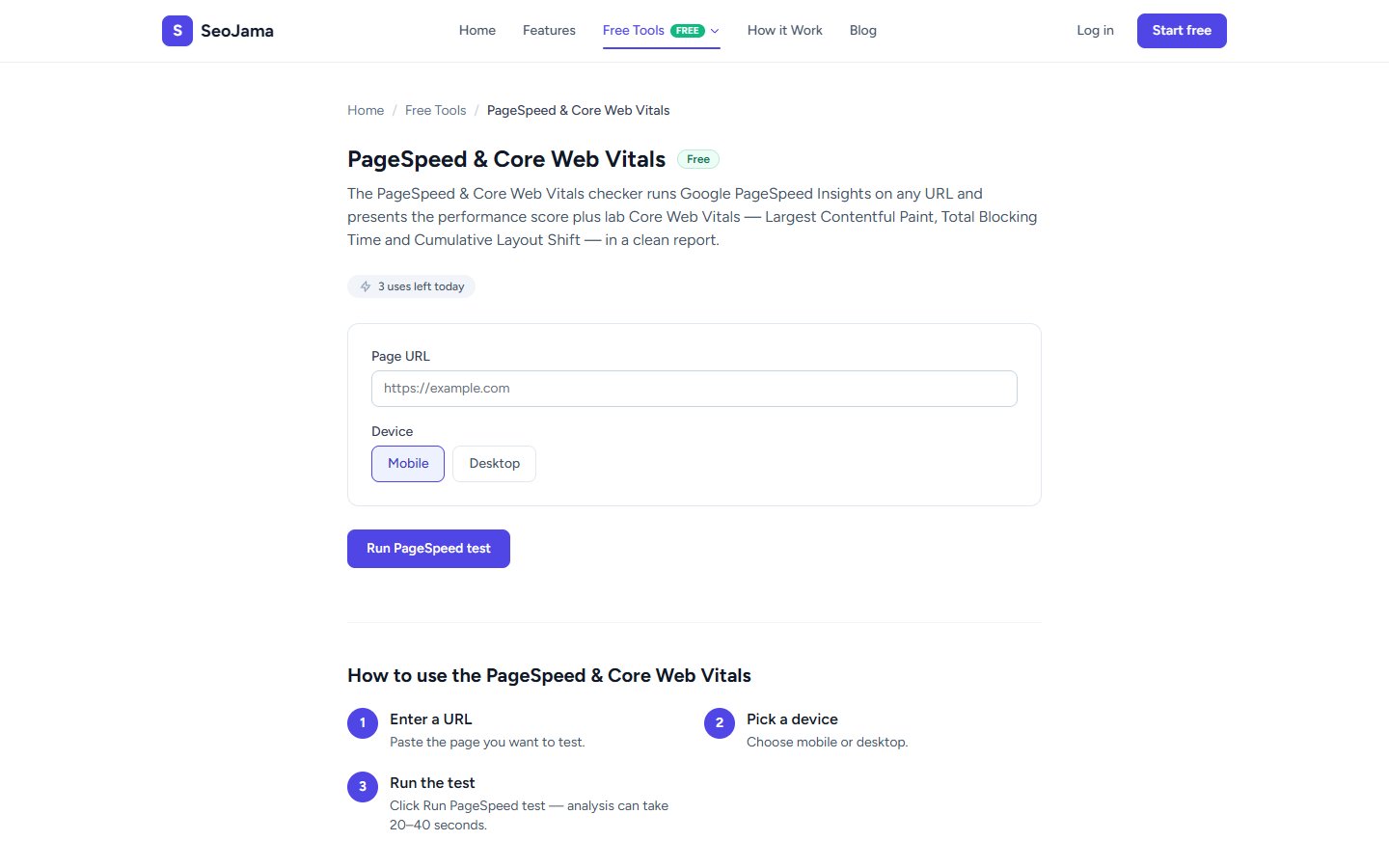
How to use it
- Open the PageSpeed & Core Web Vitals tool from the Free Tools page.
- Enter the Page URL you want to test.
- Select the Device — Mobile or Desktop.
- Click Run PageSpeed test — analysis takes 20–40 seconds.
- Review the performance score and Core Web Vitals metrics.
Understanding the results
The Performance score (out of 100) is Google Lighthouse's overall rating based on lab data. Scores of 90+ are good, 50–89 need improvement, and below 50 are poor. The Core Web Vitals section breaks down individual metrics: First Contentful Paint (how fast the first text or image appears), Largest Contentful Paint (when the main content loads), Total Blocking Time (how long the main thread is blocked), and Cumulative Layout Shift (visual stability as the page loads).
Tips for best results
- Always test both Mobile and Desktop — mobile scores are typically lower and Google uses mobile-first indexing, so mobile performance matters most for rankings.
- Focus on Largest Contentful Paint (LCP) first — aim for under 2.5 seconds. Optimize your hero image, defer non-critical JavaScript, and use a CDN.
- Reduce Total Blocking Time by splitting large JavaScript bundles and deferring non-essential scripts to improve interactivity.
- Run the test multiple times and take the average — scores can vary between runs due to server load and network conditions.